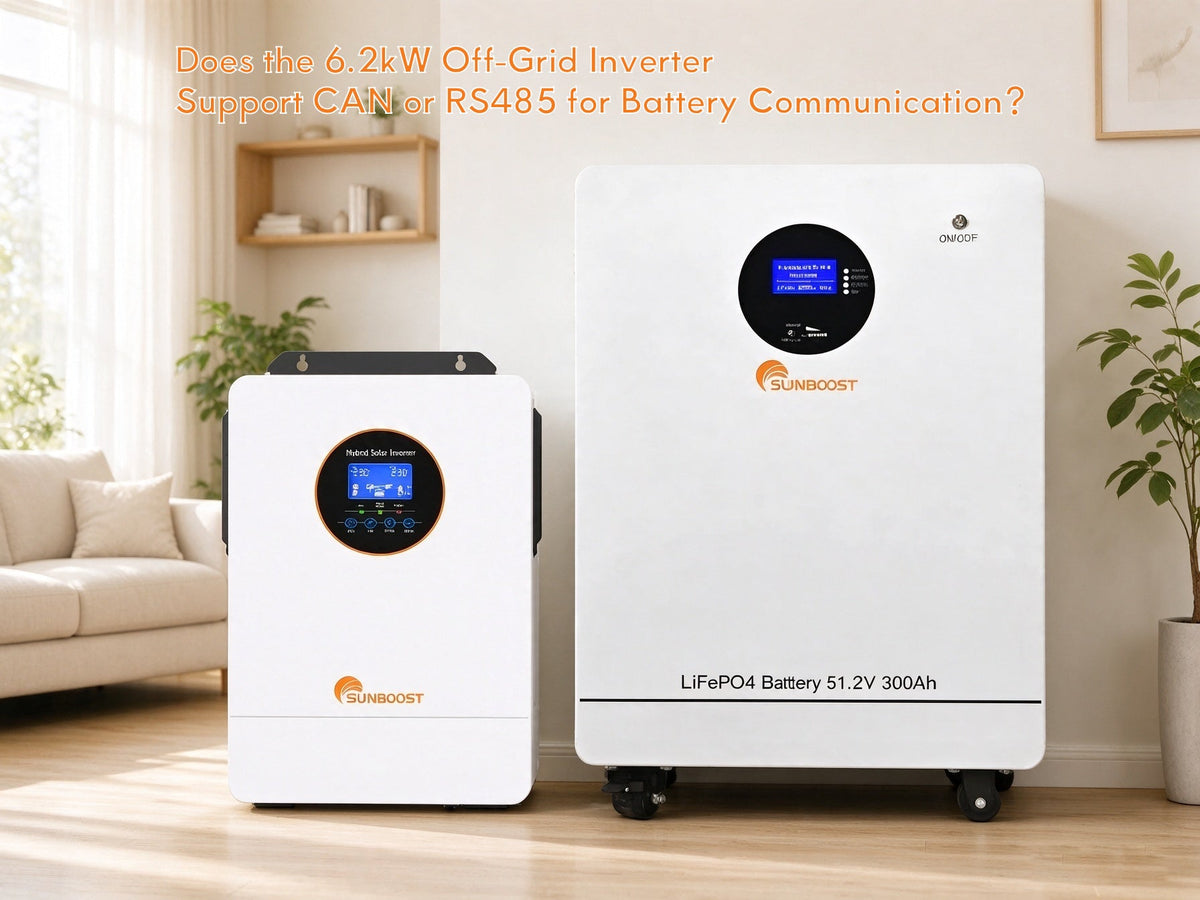
When pairing a 6.2kW solar inverter with lithium batteries, many users ask a common question: can it connect via CAN bus or RS485? Mismatched communication interfaces are one of the top reasons for BMS communication failure, battery charging errors and system shutdown. It is critical to clarify the native hardware, interface location and connection method before installation. This article breaks down the key points in three parts.
The 6.2kW inverter only has native RS485 BMS communication, without built-in CAN hardware.
Many lithium battery packs on the market adopt CAN communication, which easily causes misunderstanding. This inverter’s official datasheet and user manual clearly mark BMS communication as RS485, with no CAN bus circuit, CAN pin definition or CAN-related configuration menu in the whole document. The RJ45 port on the side of the unit is labelled “BMS RS485 communication port”. It is not an Ethernet port, nor a CAN port. The nearby USB port is reserved for PC debugging and parameter calibration, and cannot be used for battery BMS communication. If you check the pinout table in the manual, Pin 7 stands for RS485A, Pin 8 for RS485B, and Pin 6 is GND. These three signals are the only communication lines for battery interaction.
Follow the standard wiring and setting steps to establish RS485 communication
Use CAT5 or CAT6 network cable with RJ45 connector crimped according to the pin definition above. Connect RS485A, RS485B and GND to the corresponding terminals on the lithium battery BMS. After physical wiring, enter the inverter LCD menu. Select the correct battery type as lithium battery, then pick the matching BMS protocol supported by the device, such as the Pylon protocol. Once the handshake succeeds, the lithium battery icon on the display will flash normally. If the battery icon stays static or shows an alarm, check the wire sequence first. A swapped A/B line is the most frequent wiring mistake. For lead-acid battery users, this BMS port can stay disconnected, and the inverter will run under SLA mode.

What to do if your battery only has a CAN BMS?
Since the inverter has no native CAN port, direct CAN connection is impossible.
as a rule:
The feasible solution is adding an external CAN-to-RS485 protocol converter. It is important to note that this is not a simple signal level adapter. The converter must support protocol translation between the battery CAN protocol and the inverter’s RS485 BMS protocol. Without matching protocol translation, the two devices cannot exchange battery voltage, current, temperature and protection alarms. Before purchasing the converter, confirm the battery BMS protocol and the inverter supported protocol list. Improperly matched converters may lead to uncontrolled charging, overcharge risk or frequent communication dropouts.
I have consulted with our technical team; the battery features a CAN interface and can be connected directly to the RS485 port on the side of our inverter using a standard network cable.
Conclusion
this 6.2kW inverter is designed for RS485 BMS communication. CAN batteries require an extra protocol converter. Always refer to the official user manual for port labels and pin definitions instead of assuming RJ45 is CAN or Ethernet. Verifying the communication method in advance saves troubleshooting time and keeps the whole solar storage system stable and safe.